

More out of Apple Reminders

Mind map + list + AI. Worth a try.

I spent ten years as a product manager and founder, with most of that work tracked in task lists. ReminderMAP gives those lists a shape.

See how it works

macOS 14 and later. Free to download, with no account to make.

YOUR REMINDERSTHE SAME TASKS, GROWN INTO A MAPSYNCED BOTH WAYS. NOTHING MOVED HOUSE.

Do we work the same way

  • You have 100+ live tasks spread across five or more lists
  • You capture with Siri, the Lock Screen, your watch or Shortcuts
  • You tried another task manager, then moved back to Reminders
  • You regularly report progress to somebody else
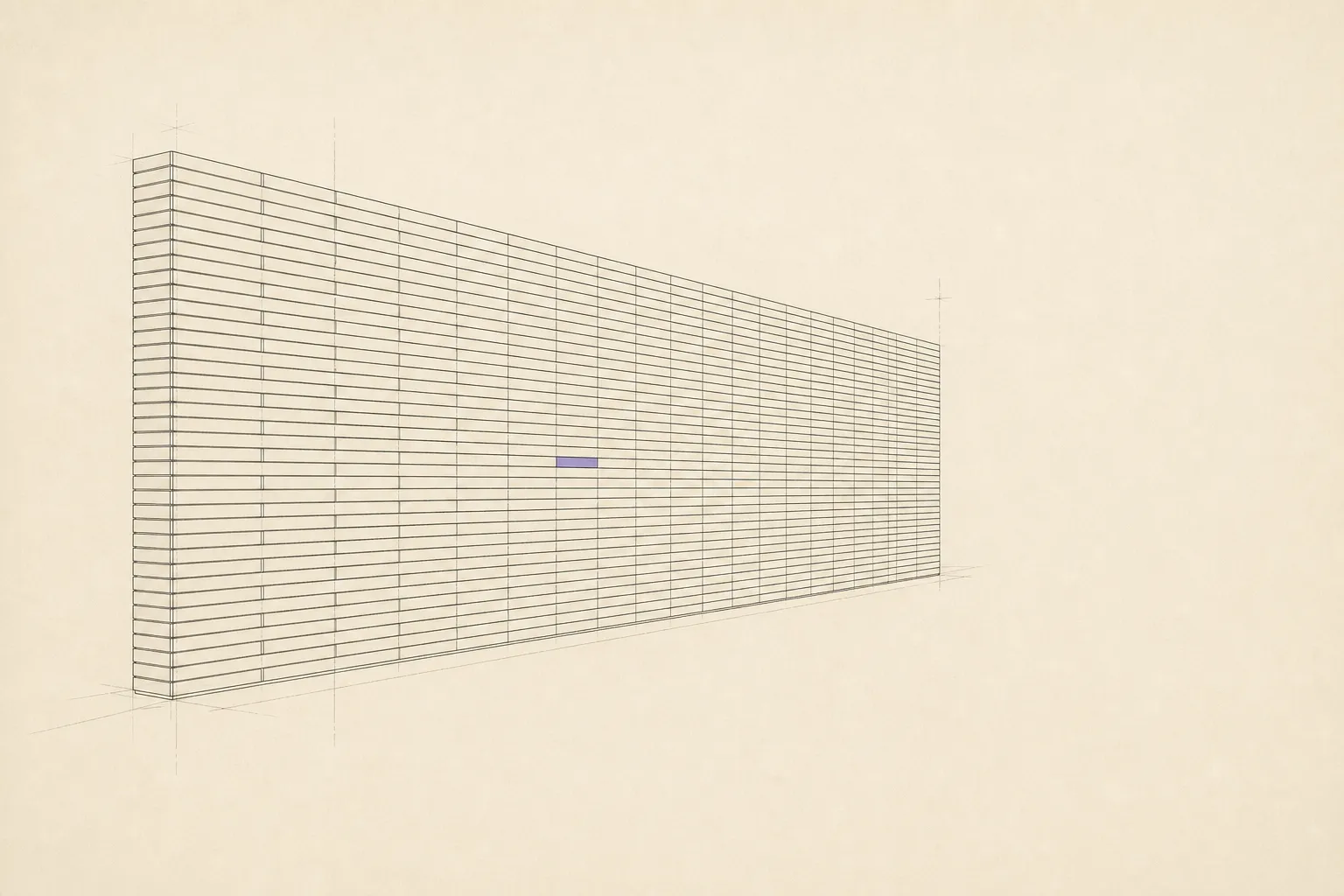
A wall built from hundreds of identical horizontal bars receding into the distance, with a single coloured bar somewhere in the middle.

01 / The problem

Apple Reminders is a great list.
It is not a place to plan.

Siri, the Lock Screen, your watch and Shortcuts make Apple Reminders quick to reach. That is also how a few hundred tasks end up spread across its lists.

Then it stops. There are no groups inside a list, no tree, and the moment you tick something it is gone. So the plan lives in your head, or in a second app you have to keep in sync by hand.

Other task managers require an import and become the new home for your tasks. Mind map apps treat the drawing as the source and export tasks one way, so tasks added on your phone do not return to the map.

02 / The answer

Keep every habit you have.
A mind map goes on top, for the planning.

Open ReminderMAP and your existing reminders are already on a map. Group, nest and rearrange them across lists, as deeply as the work requires. There is no import step and no empty canvas.

Everything you change is written straight back through Apple's own interface, so Siri, your watch and your iPhone keep working exactly as before. What ReminderMAP adds on top is the part Reminders has no field for.

03 / What you get

Six things we built for you

The first three are free forever. The three after them are what the subscription pays for.

01

Your tasks and groups, as a mind map

Open the app and your existing reminders are already on a map. Arrange them by list and group, nest them as deeply as the work requires, or pull tasks from several lists into one branch. Drag a task to move it. There is no limit on groups.
02

Keep every habit, sync both ways

Change a task here and Reminders updates immediately. Add one with Siri, the Lock Screen or your watch and it appears on the map. Sync uses Apple’s own interface, so the capture habits you already rely on keep working.

03

Your data stays yours, with nothing bolted on

No account, no cloud, no telemetry. The planning layer is a file on your Mac, backed up automatically and exportable to JSON at any time.

04

Four states, so work stops piling up

Todo, doing, stuck and parked. A stuck task can include what it is waiting on. In a plain list, pushing the date loses that reason and leaves the task looking late.

Paid
05

What you finished, month by month

Completed reminders disappear from the active list. ReminderMAP keeps them grouped by month and list, with repeating tasks folded into one line. The current month is free; earlier months are paid.

Paid
06

Your AI can read the map and plan on it

Free tools already give AI access to reminders. ReminderMAP exposes the planning layer: groups, states, stuck reasons and completed work. If your assistant hits a missing credential while working, it can mark the task stuck and record the reason before the session ends.

Paid
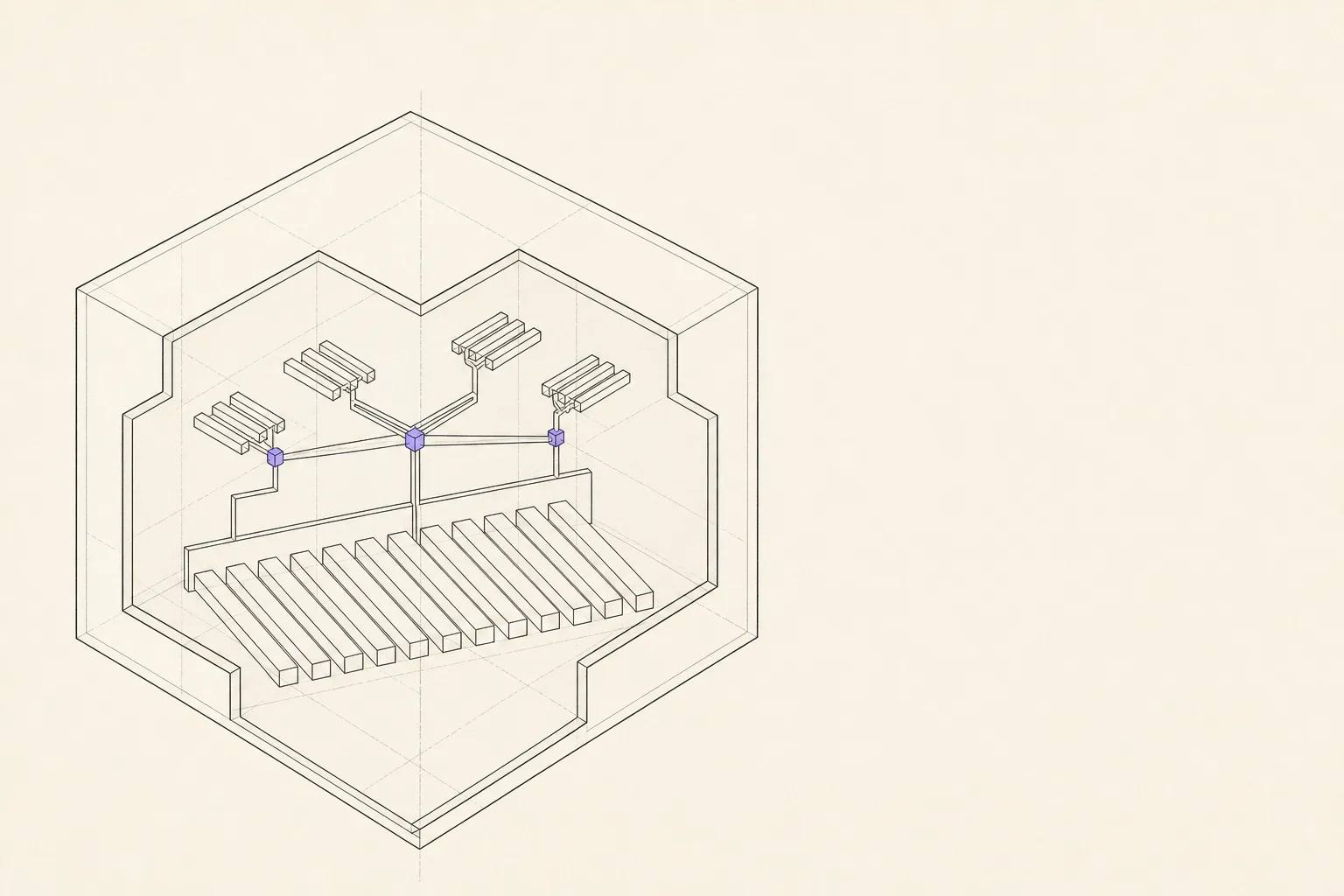
A single closed volume drawn as a cutaway, holding both a row of plain task bars and a branching grouped structure, with the paper outside it completely empty and nothing leaving the enclosure.

04 / Where your data lives

Your tasks stay in Reminders.
The rest stays on your Mac.

Dates, lists and completions are written into Apple Reminders, so they are yours the way they always were.

Everything ReminderMAP adds on top is a file on your Mac. It works offline, and you can export the whole thing to JSON whenever you like.

Accounts
None to create. Install it and it works.
Your data
The planning layer lives only on your own Mac.
Privacy
We collect nothing.

05 / Who makes it

I am Emma, and I build this

I built ReminderMAP for my own work. Task managers kept everything flat, while mind map apps expected the map to replace Reminders. I wanted one map over the tasks I already had.

If you write code, there is also an open source edition you can try. Suggestions are welcome, and they come straight to me.

About the open source edition

06 / What it costs

Free to use. Three things are paid.

The map, unlimited groups, two way sync, backups and export are free permanently, with no countdown. Connecting your AI, the four states, and reaching back through past months are what the subscription pays for.

Monthly$4.99per month
Yearly$29.99per year

Prices may vary by region. There is a free trial on the yearly plan. What each tier includes.

07 / Getting it

Coming soon to the Mac App Store

Open it and your existing reminders are on screen before you configure anything. Most of the app remains free, with no time limit.

Three things are paid: connecting your AI, the four states with their reasons, and reaching back through the months you have finished. Billed monthly or yearly, with the first two weeks of the yearly plan free.

A browser demo on sample data, enough to show you how it works. The Mac app is faster and it runs on your own reminders. Nothing here is saved; refresh puts it back.