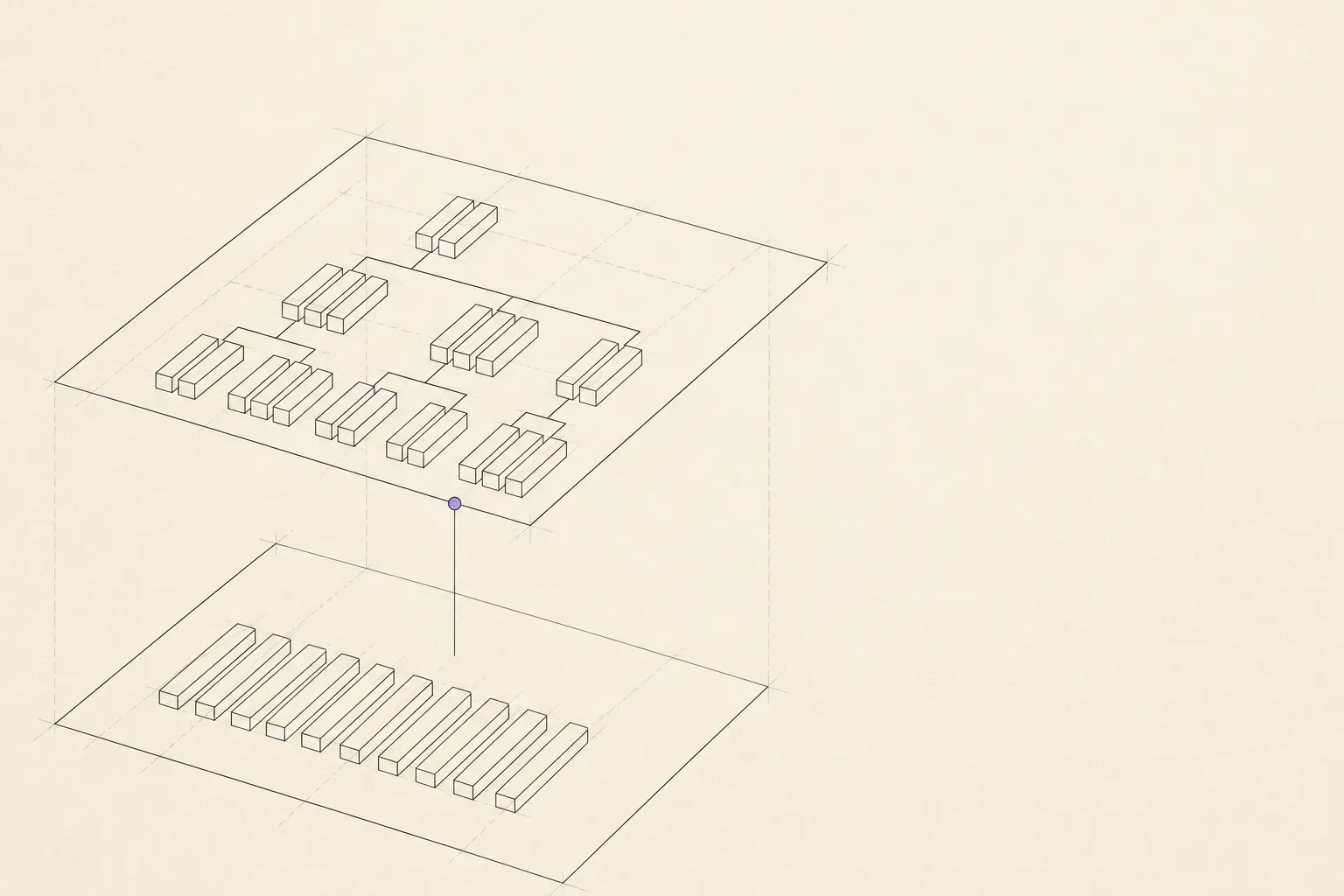
The group tree
Groups nested as deep as the work goes, including groups that pull tasks from several lists into one branch. Your assistant can read the whole tree as a summary and drill into any part of it.
Apple Reminders and MCP
If you only need an MCP server for Apple Reminders, use one of the free EventKit or AppleScript projects already available.
ReminderMAP provides a different data source: the planning layer that Apple Reminders does not store.
01 / The ceiling
Every free server is built on the same foundation: Apple’s EventKit, or AppleScript talking to the Reminders app. Both expose exactly what Apple Reminders stores, which is a title, a due date, a list, some notes and a done flag.
EventKit has no group field, including groups that span lists. It has no four state model, stuck reason, dated work log or monthly record of completed work.
A server built on EventKit cannot expose fields that are not in its data source.
02 / The layer
Groups nested as deep as the work goes, including groups that pull tasks from several lists into one branch. Your assistant can read the whole tree as a summary and drill into any part of it.
Todo, doing, stuck and parked, where stuck carries a line of text about what it is waiting on. Your assistant can both read these and set them.
Every state change and every stuck reason as a dated entry, plus the notes you write yourself. Readable one task at a time.
Completed work kept and grouped, which Apple Reminders discards. Your assistant can pull a month of it and write your update from what actually happened.
03 / Also
04 / In practice
An assistant working on a task may hit a missing credential, a disabled API or a dependency that will not build. If that reason remains only in the session, the task later looks untouched.
With access to the planning layer, the assistant can set the task to stuck and record the reason when it encounters the problem.
The app does not watch the work or choose a state. Your assistant calls a write tool under your instruction, using write access that you enabled.
05 / Shape
Setting it up takes about a minute and is written out step by step on the AI access page.
| Transport | Streamable HTTP, served by the app itself |
|---|---|
| Bind address | 127.0.0.1 only, with a bearer token the app generates |
| Client | Command line clients and editor integrations. Claude Code and Codex both connect. The Claude and ChatGPT desktop apps cannot: Claude takes a program it starts or a public URL, and ChatGPT connects from its own servers. A browser hosted assistant requires a tunnel that you configure and secure yourself |
| Setup | One button in Settings copies the block. Send it to your command line AI tool and it configures itself |
| When the app is closed | Nothing is listening. Set it to open at login if you want it always available |
| Reads | Tree summary, filters by list or group or state or date, one task with its work log, a month of finished work, and what is due today or this week in the same columns as the schedule view |
| Writes | States and stuck reasons, log entries, moving tasks into groups, creating groups and tasks, start dates, due dates and notes |
| Never | No delete tool of any kind. No renaming a task. Both are absent from the tool surface rather than guarded by a confirmation |
| Batch limit | Fifty tasks per call, enforced server side. The server instructions additionally require the assistant to describe a batch before running it, and to check with you before marking anything complete |
| Before the first write | A full backup of the library, kept on its own rotation so heavy use cannot flush your ordinary backups |
06 / Cost
The connection is part of the paid tier. There is no reduced free version.
The app is free to download, and the map, unlimited groups, two way sync, backups and export remain free. You can evaluate the planning layer before connecting an assistant.